How to set up your club and start taking payments
Setting your club up on Bluefundr takes about five minutes. It is a short guided form that gathers what your club needs to take payments online and pay the money into your own bank account. It is free to set up and run, with no monthly fees.
Before you start, it helps to have three things to hand:
- Your club's bank account IBAN, so proceeds can be paid out to the club.
- A recent club bank statement or utility bill showing the club's name and address.
- A photo ID for yourself (passport or driving licence), for the identity check.
You do not need to gather details for your whole committee. The setup asks about the club, and about one person, you, as the person setting it up.
Getting started
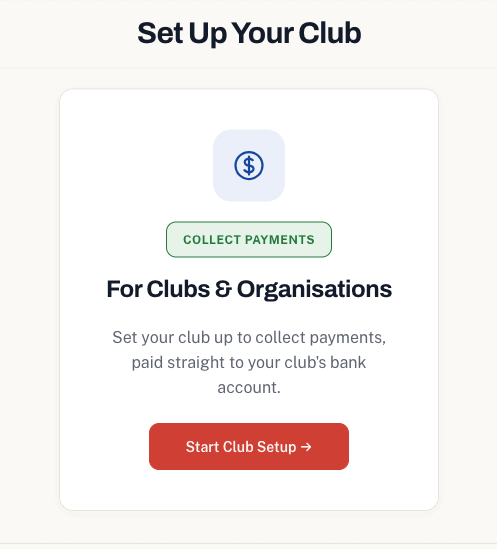
From your dashboard, choose to set up payments. This opens the setup wizard, which walks you through four short steps: your club details, a few details about you, a quick identity check with our payment provider, and whether your club holds a lottery permit or licence.
Step 1: Your club details
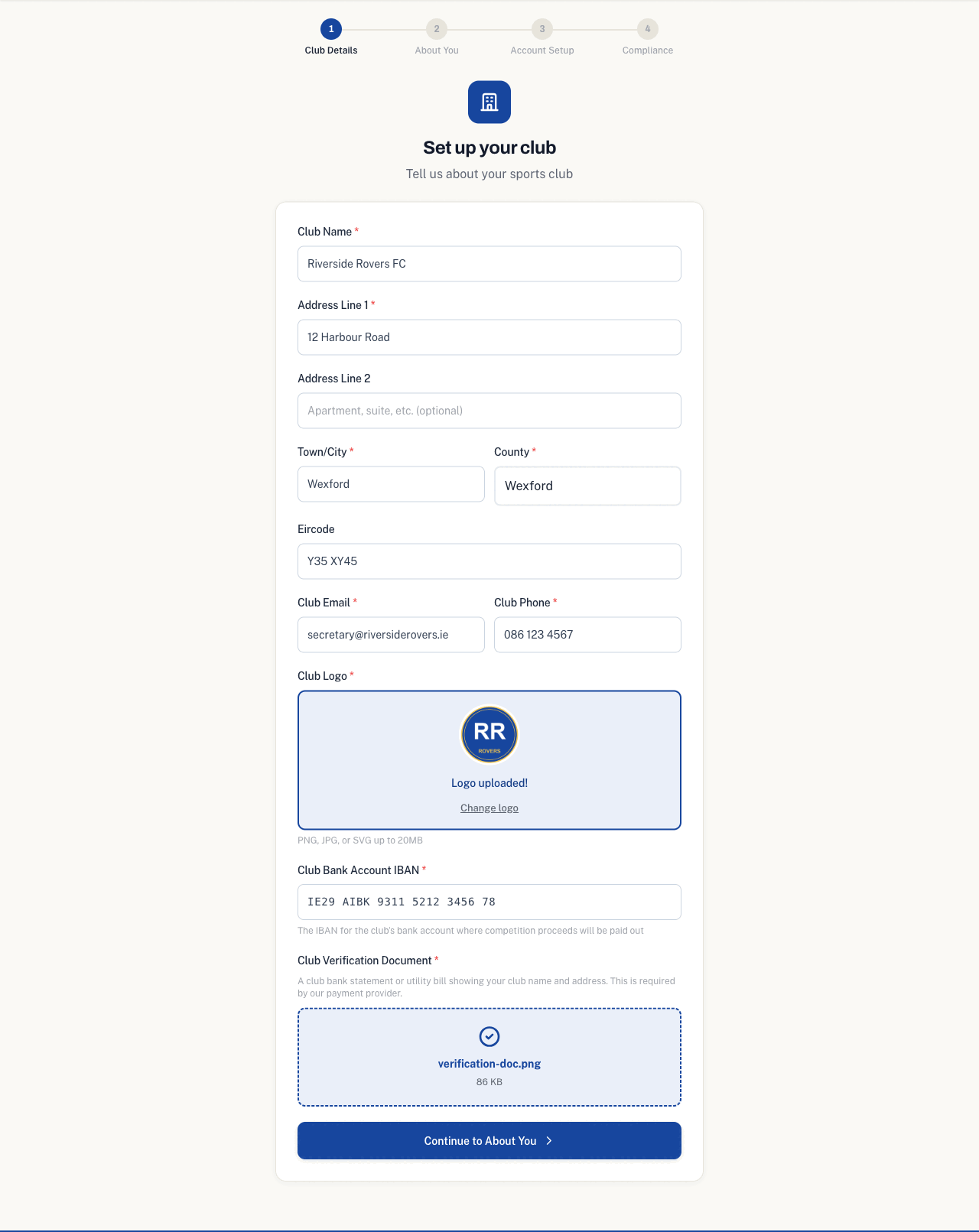
First, tell us about the club. You will enter the club name, address, a contact email and phone number, and upload your club logo.
This is also where you add the club's bank account IBAN, which is where everything your club takes through Bluefundr is paid out, and upload the verification document, a club bank statement or utility bill showing the club's name and address. Our payment provider asks for this to confirm the club is real.
Step 2: About you
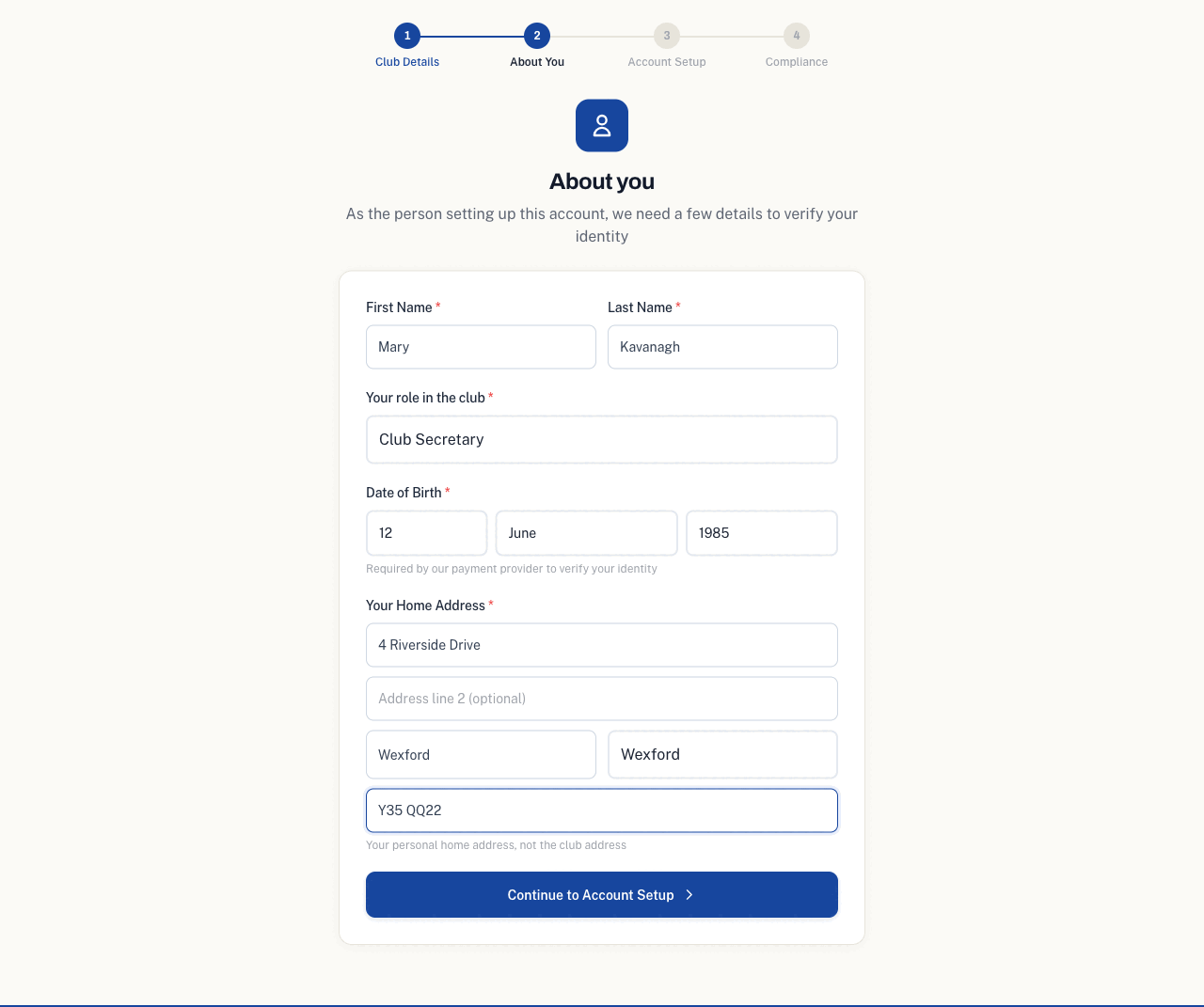
Next, a few details about you as the person setting up the account: your name, your role in the club, your date of birth, and your home address.
Only one person is needed here, and that is you. You do not need to add your chairperson, secretary or the rest of the committee. These details are used to verify your identity, which is a normal part of taking payments online.
Step 3: The identity check
Payments and identity checks are handled by Stripe, our payment provider. Because Stripe is a separate, secure service, it uses some formal business wording that can look odd for a club. Before you continue, we explain what each part means in plain terms, so nothing takes you by surprise.
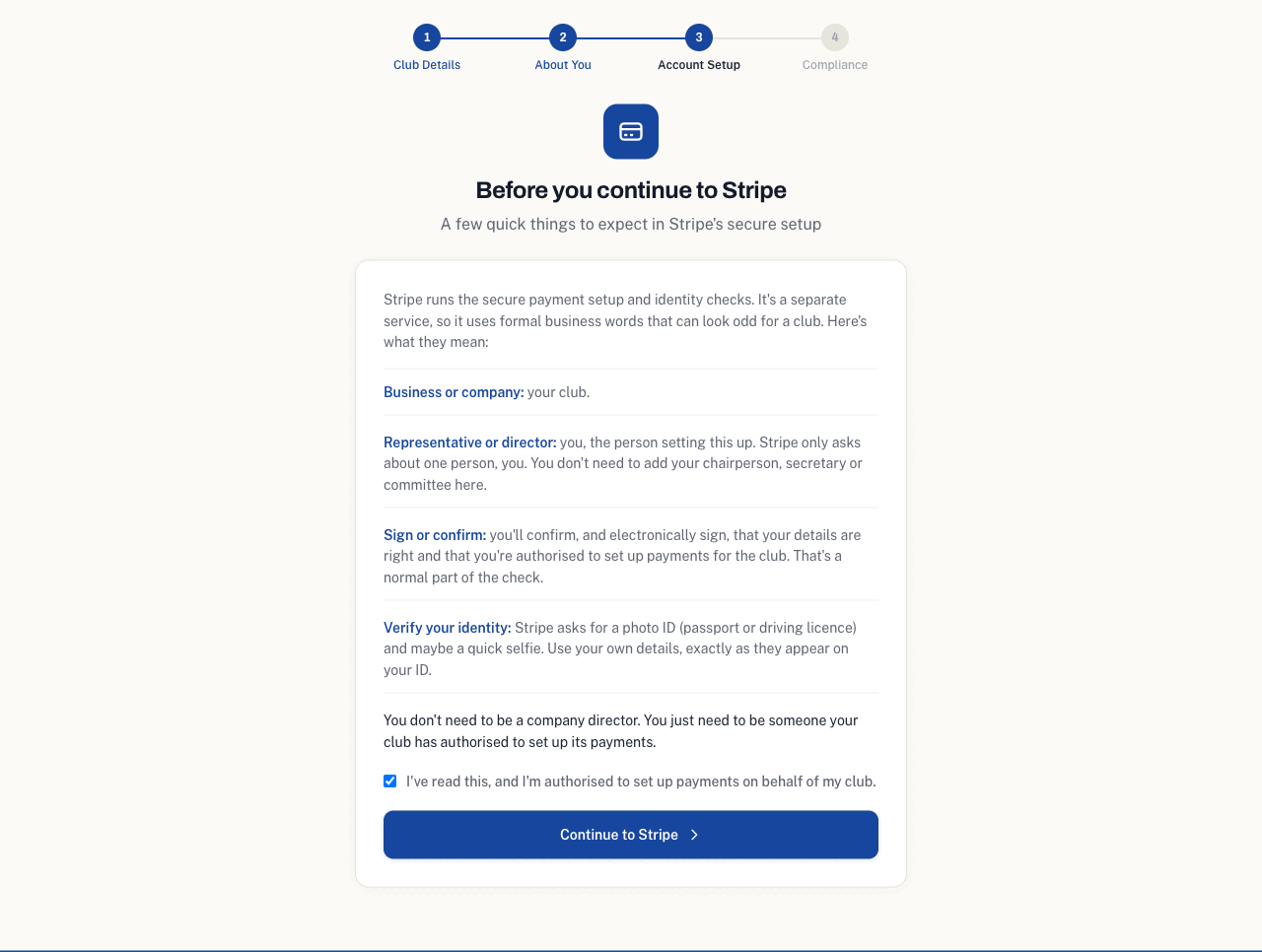
When you tick to confirm, you continue to Stripe's own secure pages. Most of your details are already filled in, so this part is short.
Stripe will ask about the club's "director". For a club, that simply means you, the person your club has authorised to set up its payments. You do not need to be a company director, and you do not add your committee here, just yourself.
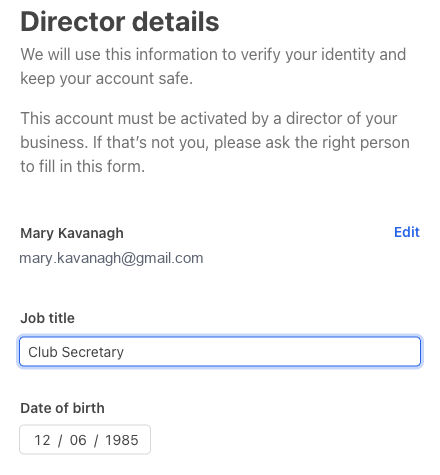
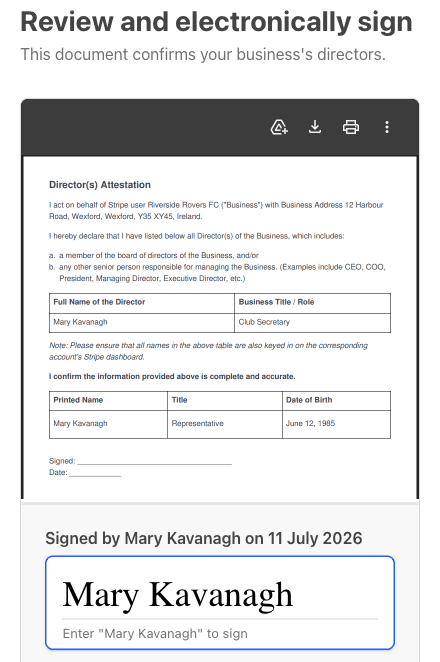
Because a club is not listed in the company directors register, Stripe then asks you to confirm your role by electronically signing a short declaration. That is normal for a club, so do not let the wording worry you. Just type your name to sign it.
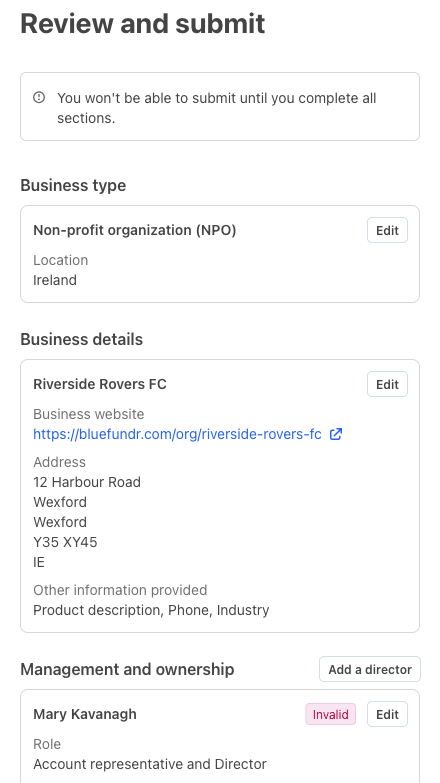
You then reach a review page. You may see a step marked "invalid" or not yet finished. Do not worry, it usually just means the identity check is still to do. Select Edit beside your name to continue to that step.
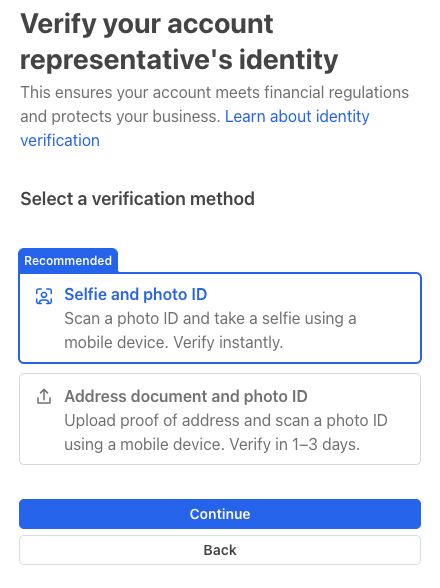
The last step is to verify your identity. Stripe asks for a photo of your ID, a passport or driving licence, and a quick selfie, usually taken on your phone. It is the same kind of check your bank would do. Once that is done, your club is fully set up.
Step 4: Permit or licence
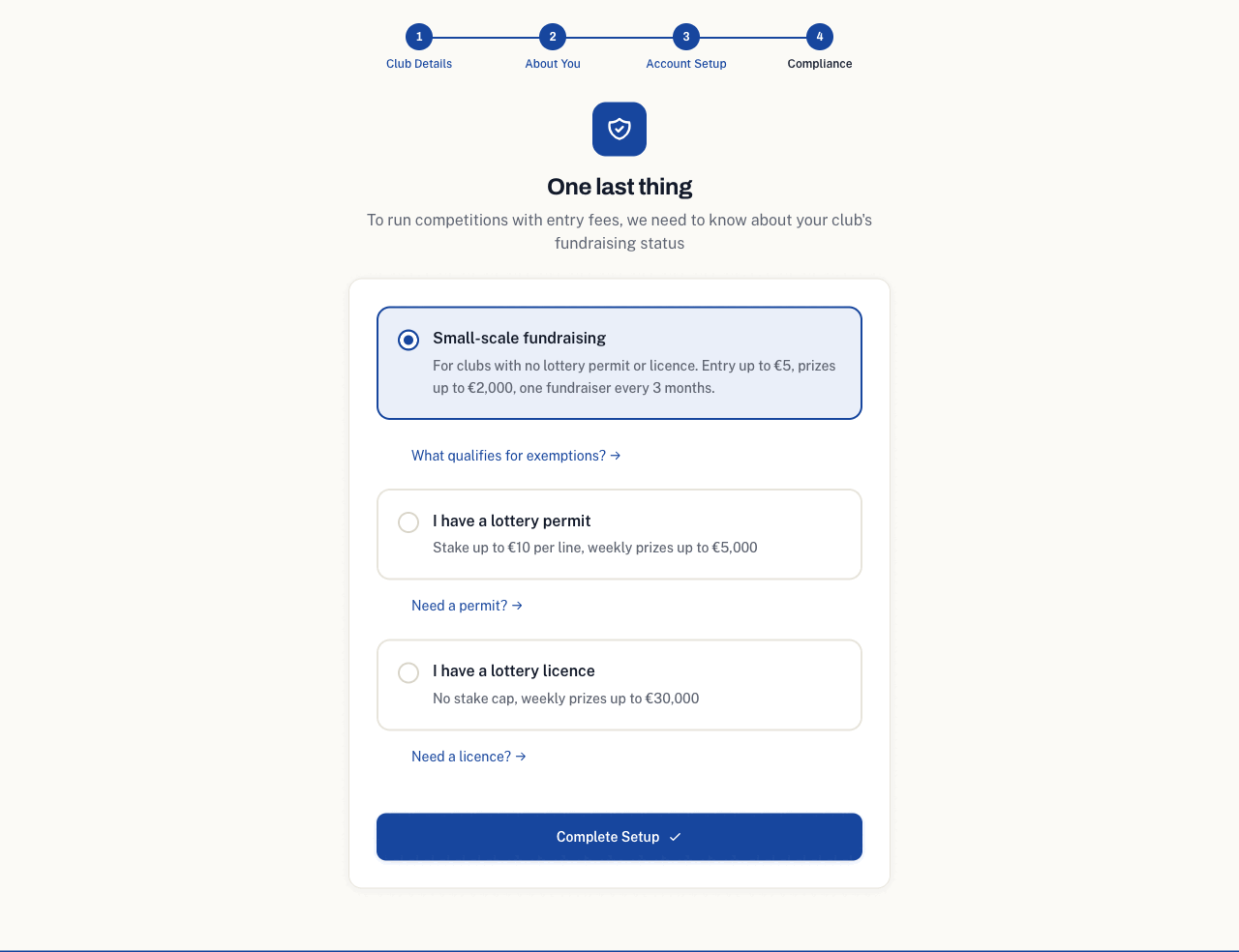
Last, tell us whether your club holds a lottery permit or licence. This only matters for draws: competitions, raffles, club lotto and split the pot. Memberships, facility bookings and scan to pay never need one.
If your club has neither, choose No permit or licence. You can still run an occasional small competition or raffle, with entry up to five euro and prizes up to two thousand euro. A weekly club lotto or split the pot needs a lottery permit or licence, so if your club holds one, choose that instead and upload it. Our guide on club lotto licences and permits explains how to get one.
You're set up
That is it. You land back in your club dashboard, ready to set up your club lotto, split the pot, raffle, memberships, competitions, facility bookings or scan to pay.
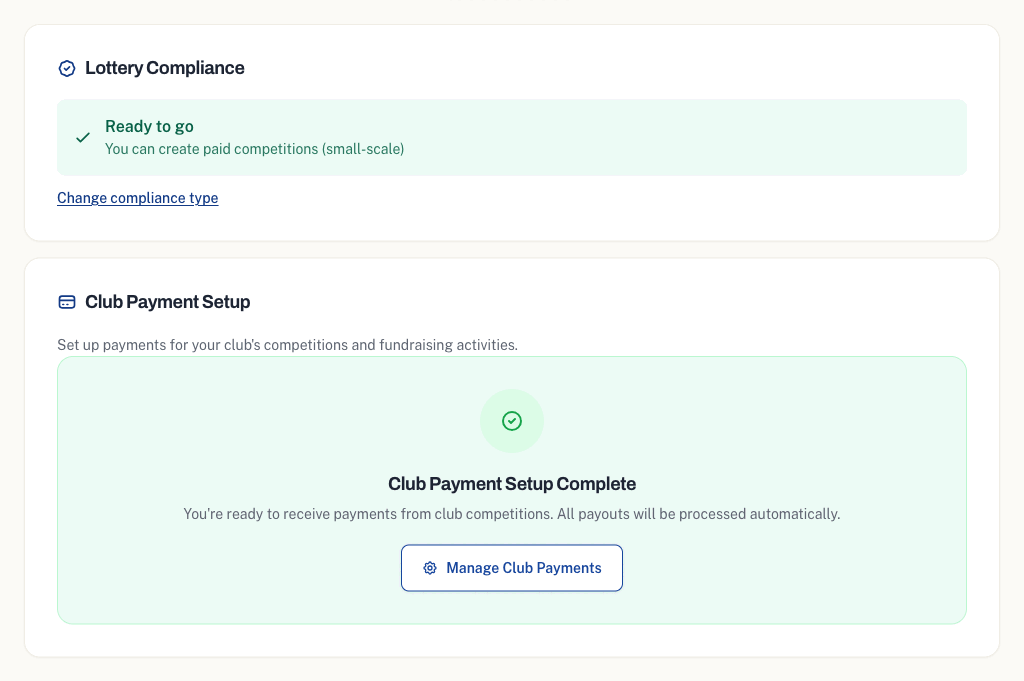
Stripe verifies your details in the background, usually within a few minutes. You do not need to wait around or do anything else. If anything more is needed, we will email you. Once you are verified, all payouts are processed automatically to your club's own bank account.