How to set up a gym membership for your club
A club gym is used all year, so members pay for it monthly rather than once a season. A monthly subscription takes a fixed amount from each member's card every month until they cancel, and nobody has to chase a payment.
Before you start
Your club needs to be set up and taking payments. If you have not done that yet, start with setting up your club.
Step 1: Create a season
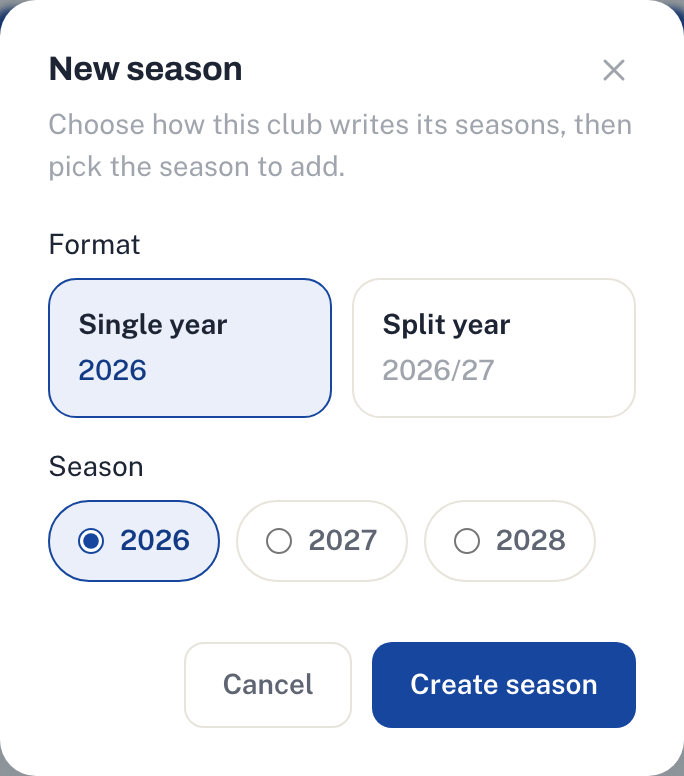
Membership plans sit under a season. If your club already runs memberships you have one, so skip ahead. If not, create one now, using whatever you call your year, like 2026 or 2026/27.
The season is only a label. A monthly membership keeps running into the next season and does not stop at the end of the year.
Step 2: Create the plan
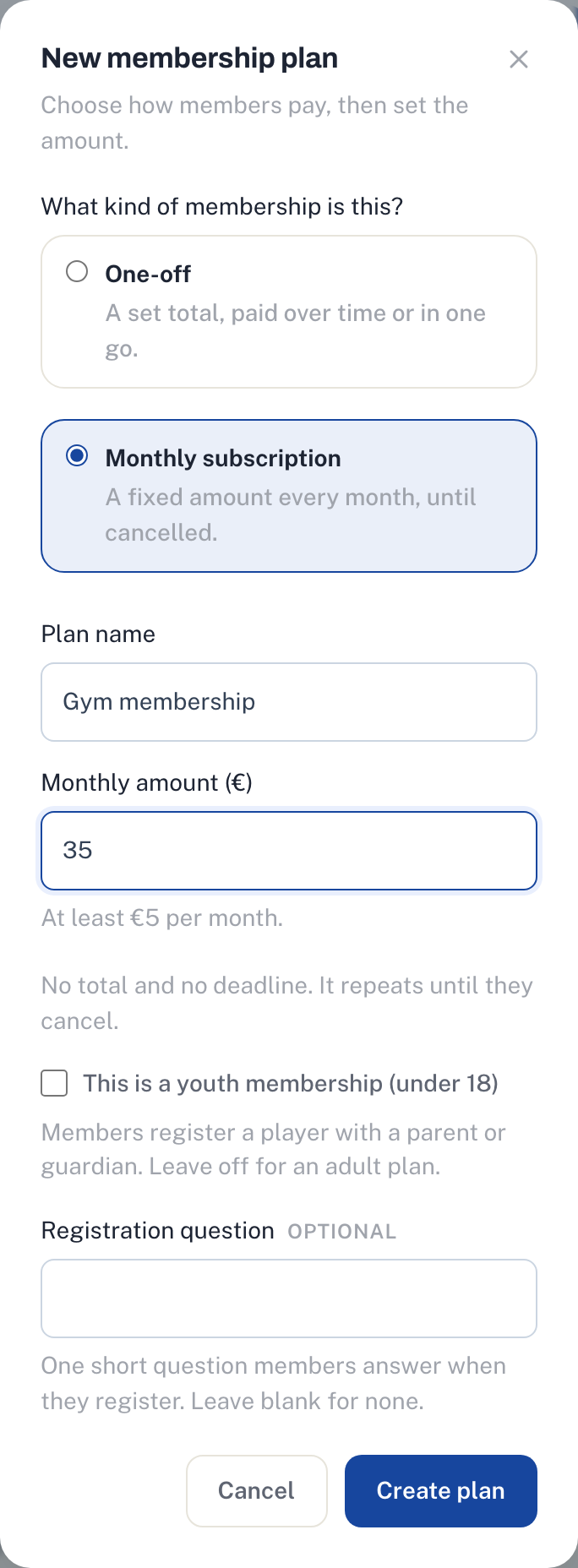
Open Memberships in your club dashboard and add a plan. Choose Monthly subscription, give it a name like Gym membership, and set the monthly amount. The lowest you can charge is €5 a month.
If you want different prices for adults, students and juniors, create a plan for each. The plan goes live on your club page as soon as you save it.
Step 3: Share it
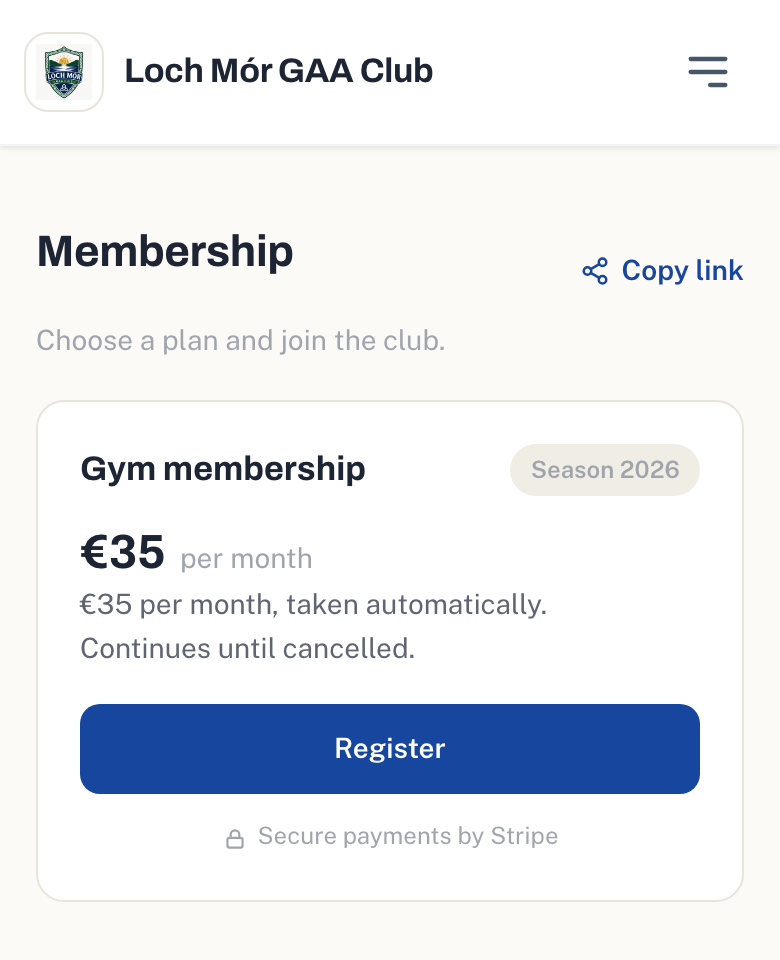
Your plans appear on the membership tab of your club page. Share the link in your club WhatsApp groups and on your Facebook page. Members see the price per month and that it continues until they cancel.
How members join
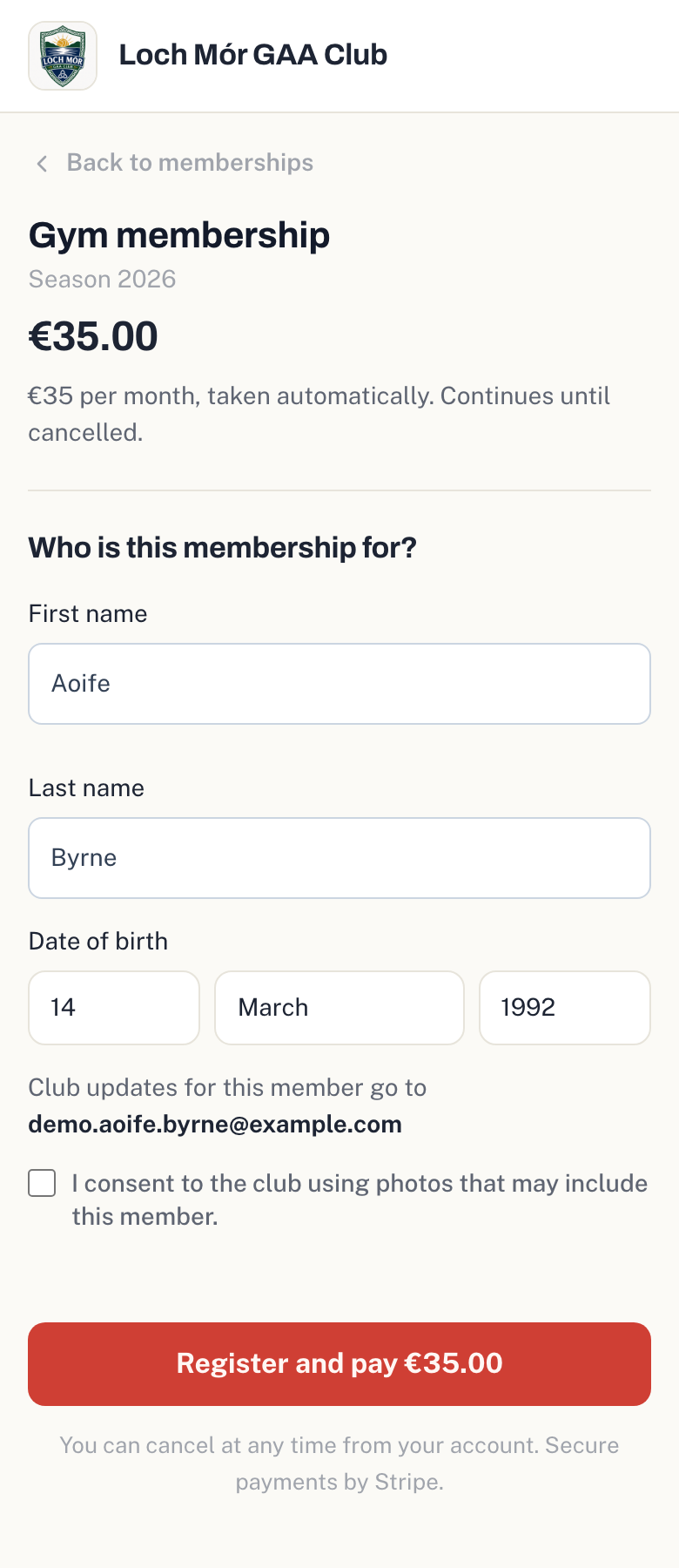
A member taps Register, signs in and pays the first month by card. Their card is saved, and the next payment is taken on the same day each month. Someone who joins on the 31st is charged on the last day of shorter months.
Every payment sends them a receipt by email with the date of the next one.
If a payment fails
If a card is declined we try again three days later, then three days after that. The member gets an email each time asking them to update their card, which they can do from My memberships in their account. On your roster they show as Past due.
If the third try fails, the membership stops, no more payments are taken and the member is told by email. They can join again from your club page with a working card.
Cancelling
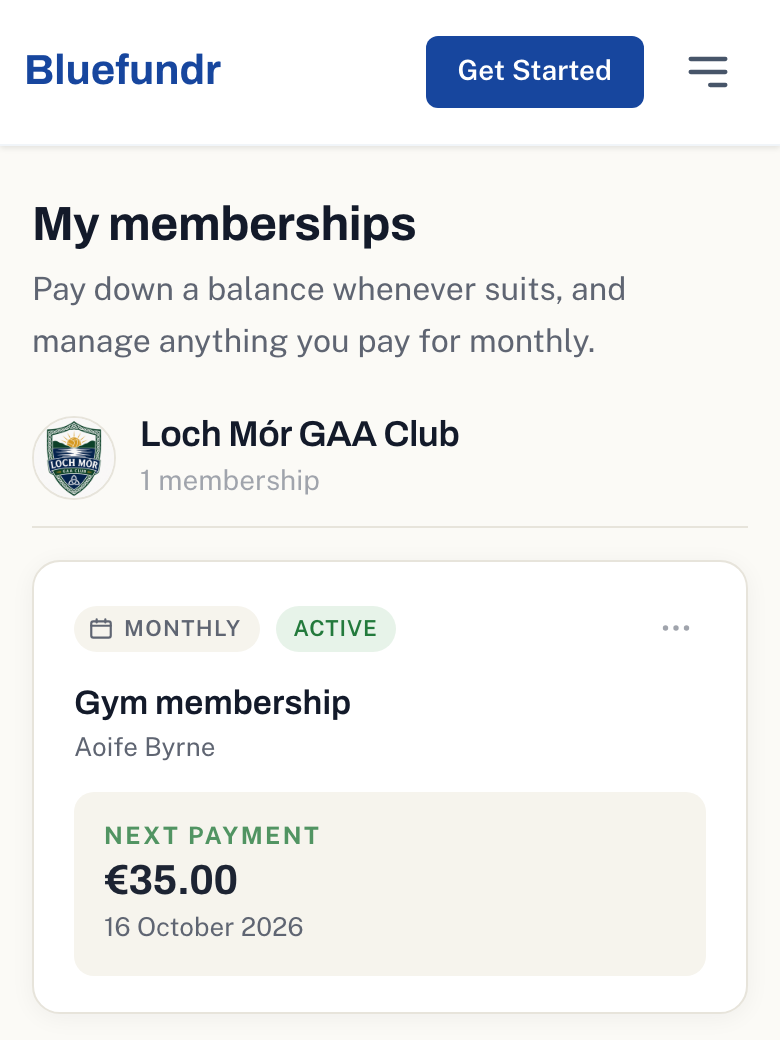
Members cancel from My memberships whenever they like. No further payments are taken, and nothing already paid is refunded.
You can also cancel a member from your roster. If you need to give money back, refund it from your Stripe dashboard.
Keeping track
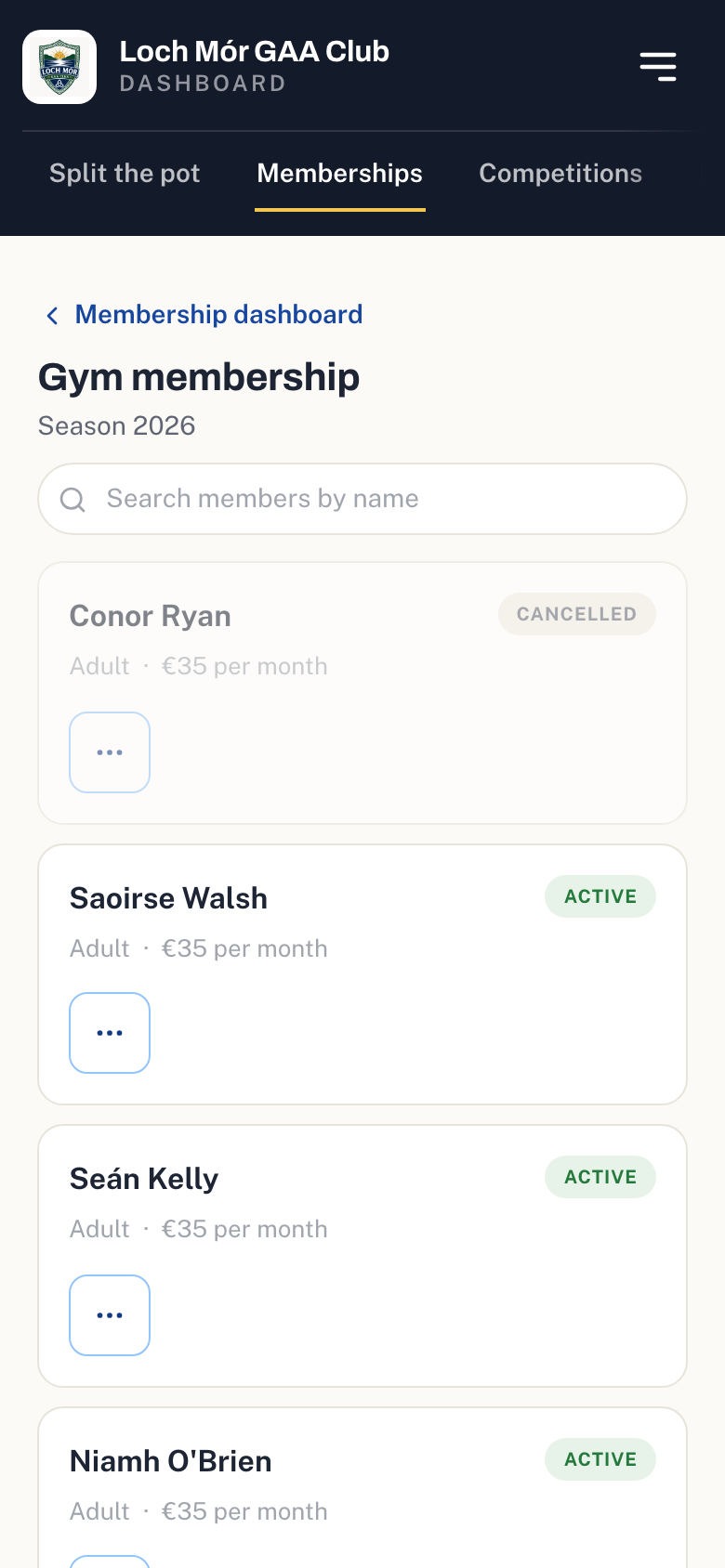
Your roster shows each member as Active, Past due or Cancelled, and every monthly payment appears in your club's transactions.
Changing the price
You can change the monthly amount at any time. New members pay the new price. Members who have already joined keep paying what they signed up at.
Stopping new sign-ups
Archiving the plan takes it off your club page. It does not stop existing members' payments, so if the membership is ending, cancel them from your roster.
What it costs
There is no setup fee and no monthly fee. We take 3.5% plus 30c from each payment, so members pay exactly the price you set, and the money goes straight to your club's own Stripe account.